
The Mac app for coding with AI agents.
Run Claude Code, Codex and others side by side on your project, then keep the changes you like. For companies, it follows your Bumpkit rules on every job.
The enterprise computer for agents, on your team’s Macs.
- Runs
 Claude Code
 Codex
 Cursor
 Grok
You decide once.
Which agents
Pick which of Claude Code, Codex, Cursor and Grok your team can use.
Which models and providers
Allow the models you trust, and only providers headquartered where you choose.
Where your data goes
Require zero-data-retention providers, so prompts and code aren’t kept.
Which tool servers
Only approved MCP and tool servers can connect to a job.
Your admin turns it on with a managed macOS profile pushed through MDM. Developers can’t turn it off.
Then it just happens.
Checked before every job.
A developer says what they want and picks a crew. Before anything runs, Kaarigar checks the agents, models, providers and tool servers against your policy.
Checked: agent · model · provider · tool servers
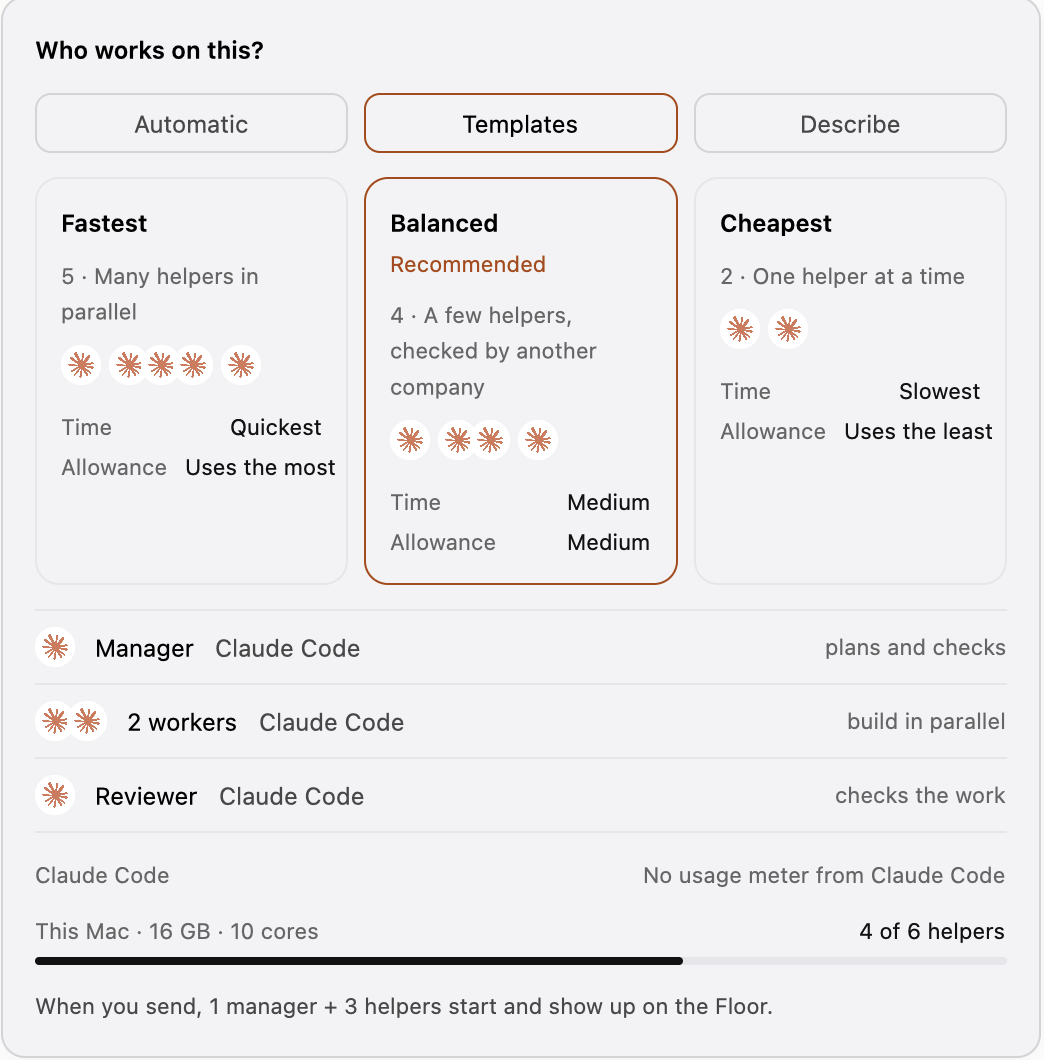
Blocked work gets a way forward.
When a job can’t run as asked, Kaarigar offers an allowed alternative, so nobody’s stuck. Anything that needs a person lands in one list.
Continue with Claude Code
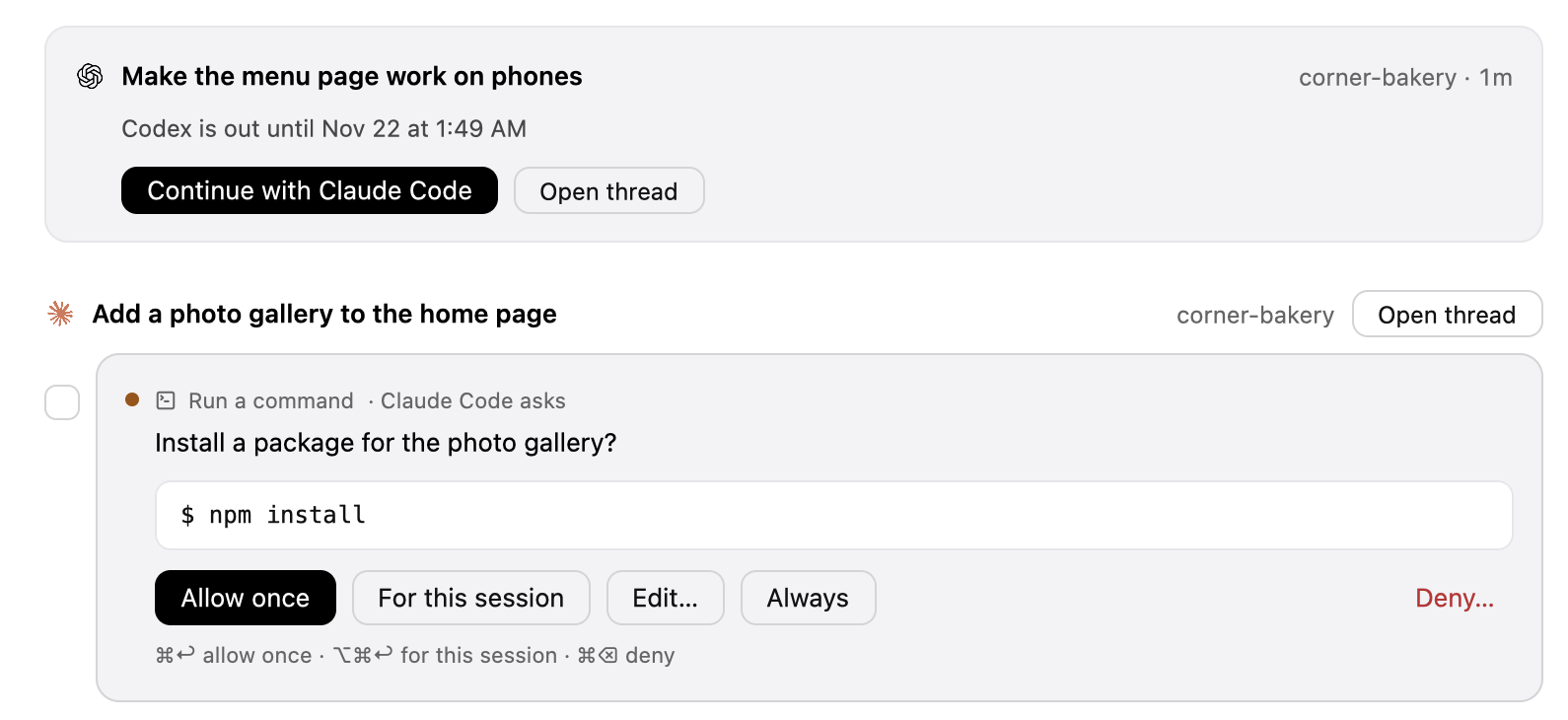
Every helper on its own copy.
Each helper works in its own copy of the project, so the real one stays untouched until someone keeps the change. You see who’s on what, live.
Marta (Codex) is on it, for 1 min
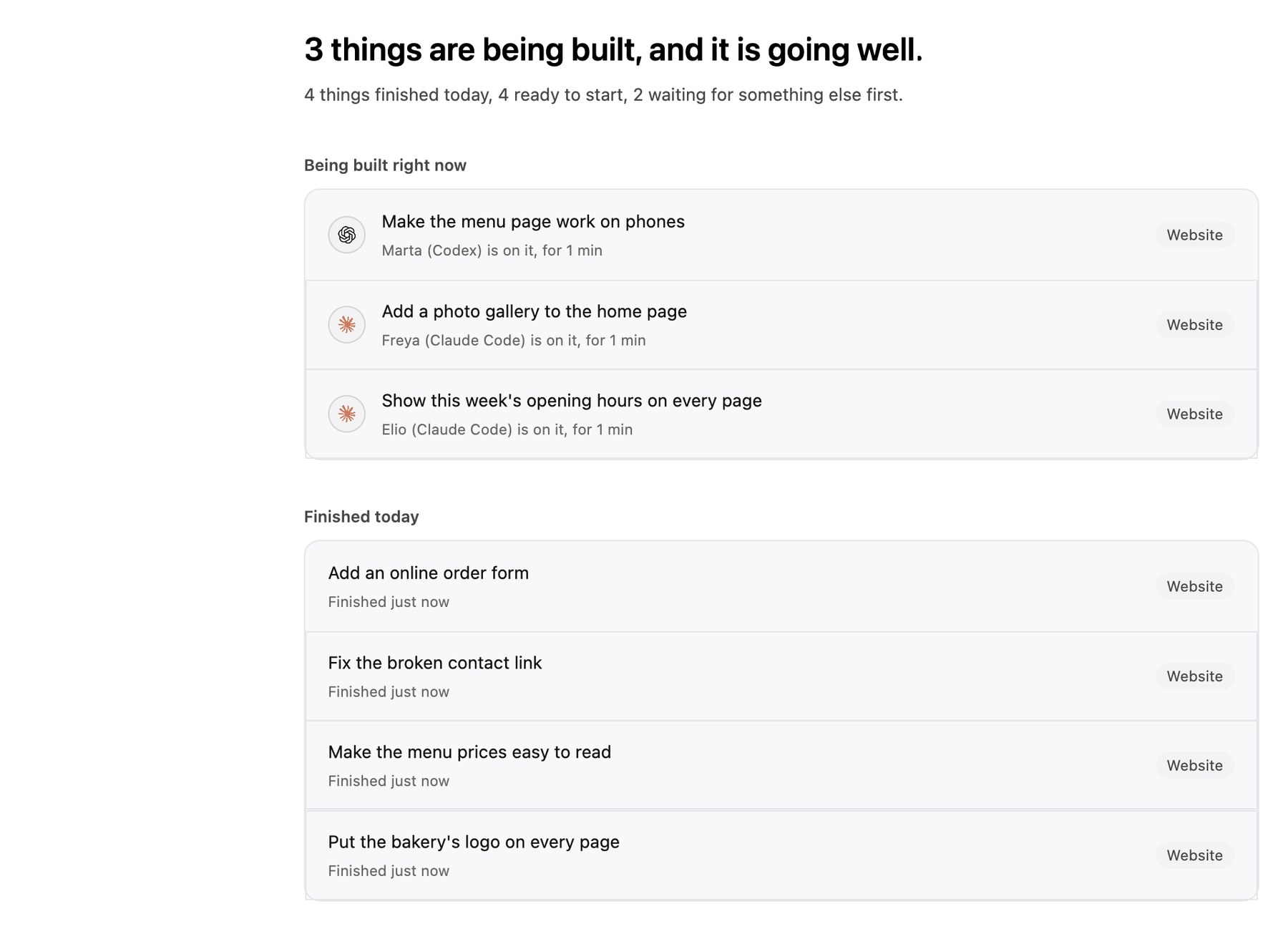
Proof of every change.
Every job goes to Bumpkit.
Who ran it, with which agent, model and provider, what your policy decided, and what was kept. Bumpkit enforces your policy and keeps the record your security team can stand behind.
Who · agent · model · provider · decision
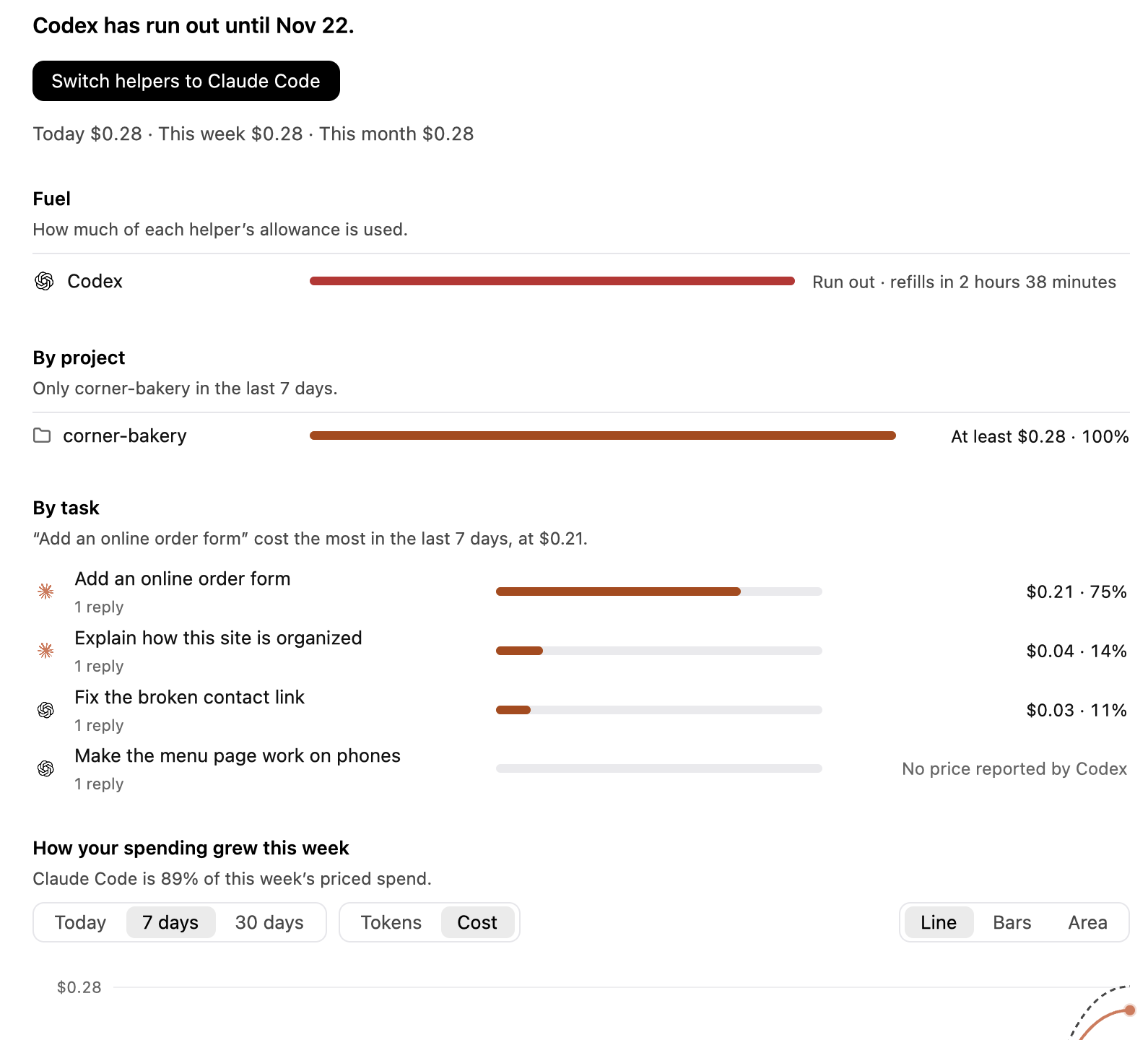
Kept changes carry their commit.
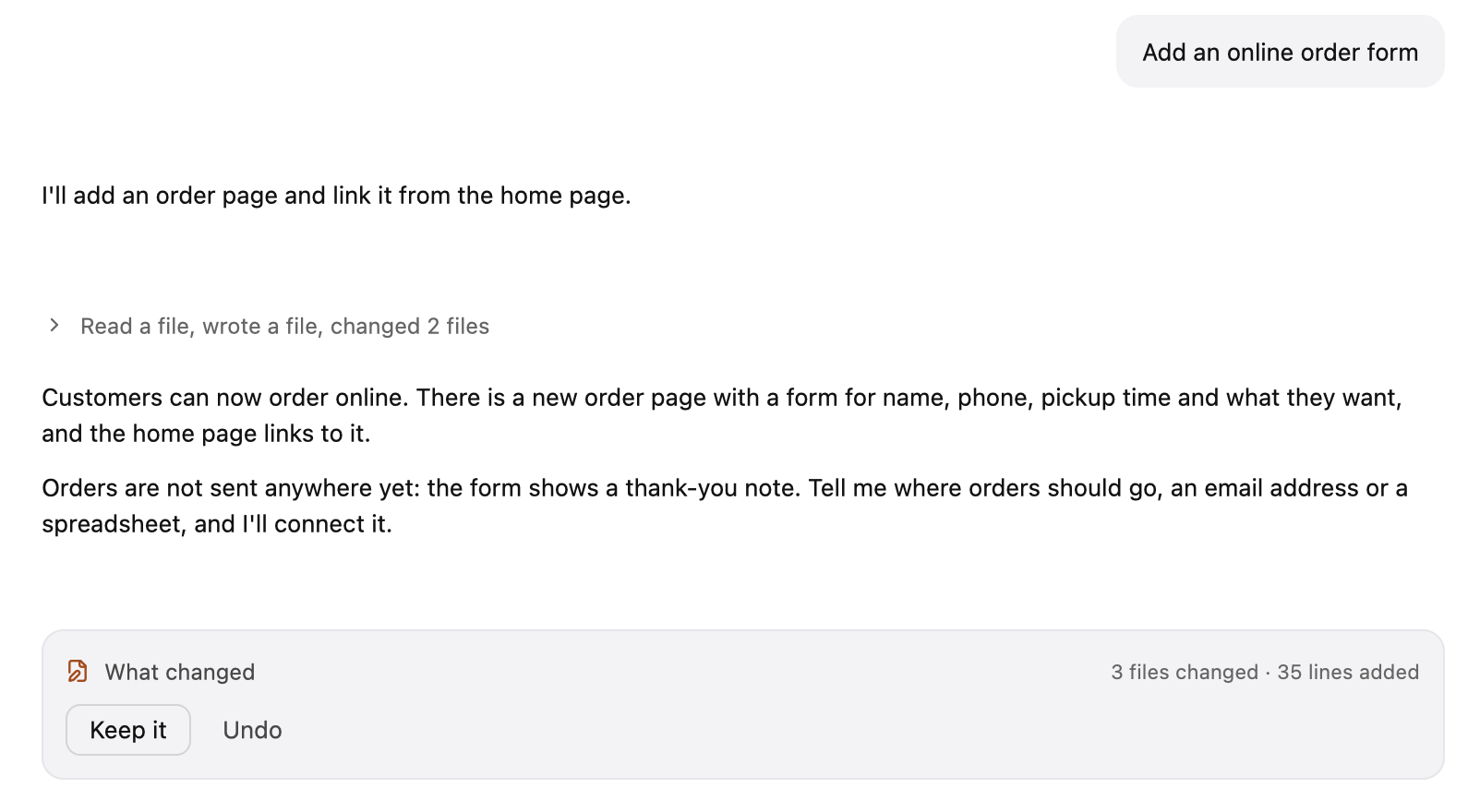
When a developer hits Keep it, the change lands with its commit, and Bumpkit records it as verified evidence. Offline, Kaarigar works from the cached policy and stops safely if it can’t check.
3 files changed · 35 lines added
Developers still love it.
A fast Mac app
Say it in plain words, pick a crew, and watch it build. Keep it or Undo when it’s done.
The agents they already use
Claude Code, Codex, Cursor and Grok, each with its own sign-in and plan. Mix models in one crew.
No dead ends
When a helper runs out, hand its job to another allowed agent in one click. Its copy of the project carries over.
Just you? A free local version runs on your own Mac.
FAQ
Who can turn it off?
Only your admin. Kaarigar’s company policy is turned on with a managed macOS profile pushed through your MDM, and developers can’t switch it off from their Mac.
What’s sent to Bumpkit?
A record of every job: who ran it, with which agent, model and provider, what your policy decided and what was kept. Kept changes carry their commit as verified evidence.
Does it work offline?
Yes. Kaarigar checks jobs against the policy it last cached. If it can’t check a job, it stops safely instead of running it unchecked.
Which agents does it run?
Claude Code, Codex, Cursor and Grok, each with its own sign-in and plan. Your admin decides which of them, and which models, your team can use.
Where does it run?
On your team’s Macs: Apple silicon, macOS 13 or later, with git and at least one supported agent installed and signed in. Each helper still talks to its own provider.
Is there a version for individuals?
Yes. A free local version runs on your own Mac, without company policy.
What does Kaarigar mean?
ਕਾਰੀਗਰ is Punjabi for a master craftsman.
Get in early.
Kaarigar is in early access on Mac. Bring your team, or just yourself.